What we're listening to in the studio.
View more at our Last FM page

30 September 2013
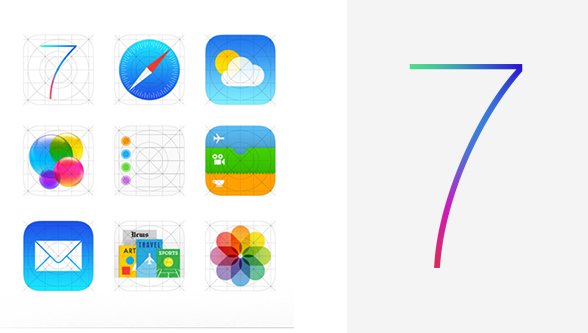
As with most Apple releases there is a lot of conversation about the pros and cons or benefits and pitfalls of the final product. No matter how you feel about iOS 7 it's here to stay. The iOS 7 adoption rate reportedly hit 29% within one day of release and over 200 million devices were upgraded in just five days.
If you haven't already started planning an update for your app or if you just want a crash course in some of the new design changes this should get you going. Here's a few ways to get yourself familiar with the iOS 7 design changes:
Even if you're not particularly familiar with iOS you can learn a lot by reading some of the insightful articles from influential sources.
Mobify delivers three best practices for iOS 7 design and highlights that functionality such as edge swipes have changed significantly. They go on to explain the importance of navigation and how screen real estate has changed.
From there we recommend reading Luke Wroblewki's Designing for iOS7: Perils & Pluses where he explains that like many other companies building mobile applications his company has spent a lot of time redesigning their iPhone app. It's this first hand experience that he uses to highlight some of the benefits and challenges of designing on iOS 7.
Instagram and Mailbox for iOS have recently updated their apps for iOS 7. This video compares Instagram's previous iOS app design against their current iOS 7 design.
Recently, the makers of the Mailbox app wrote a post explaining their "labor of love" while redesigning Mailbox for iOS 7. They explain that the "app is faster, lighter, and more focused on what matters." Gentry Underwood writes that they "obsessed over every pixel, each transition, and every feature." There's definitely insight into the design process for iOS 7 available here.
Designing for iOS 7 - Human Interface Guidelines is a great read for anyone even interested in software! https://t.co/XcVJpuVNip
— jaysonambrose (@jaysonambrose) September 29, 2013
Apple Showcases iOS 7 Ready Apps In Its "Designed for iOS 7" App Store Section http://t.co/2swDtsqZTZ
— Switch Apple Mac (@SwitchTM) September 26, 2013
Check out these free iOS 7 user interface kits and templates. Even if you're not a designer sometimes it can help to look at all the pieces that make up some of the most popular design themes. Many designers will produce new Photoshop or Illustrator designs and share them with the community. By reviewing these kits you can get an idea for the overall style of the system.
The Harvard Business Review discusses the lessons learned from iOS 7, the importance of Apple's change from skeuomorphism to their new design style, the imperfections in iOS 7 and the associated strategical risks. This review is more from a business perspective but offers insight into the changes and the impact on the marketplace.
Lastly, for the geeks in us or if you would like a bit of humour in your day consider checking out this tumblr entitled "Jony Ive Redesigns Things".
If you're keen to update your app's design or if you think you need an app get in touch with us @studioskylab or via email at [email protected].
References:
The latest feeds from the studio powered by Yahoo Pipes.